
Choose the right Ethernet filter
Reduce unwanted cable noise with an in-line EMC filter that matches your network. Start with the data rate and whether the cable also powers your device.
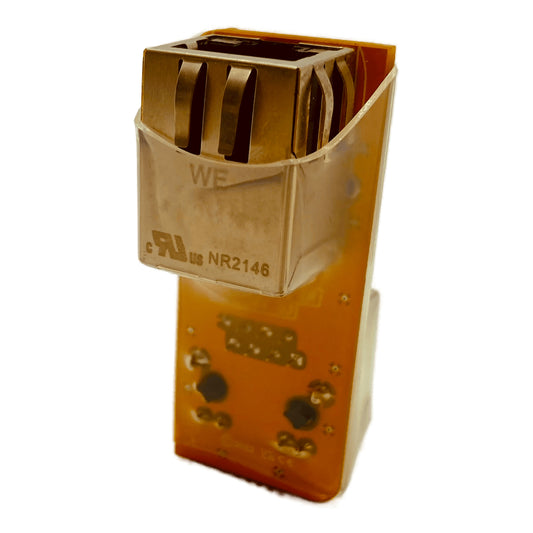
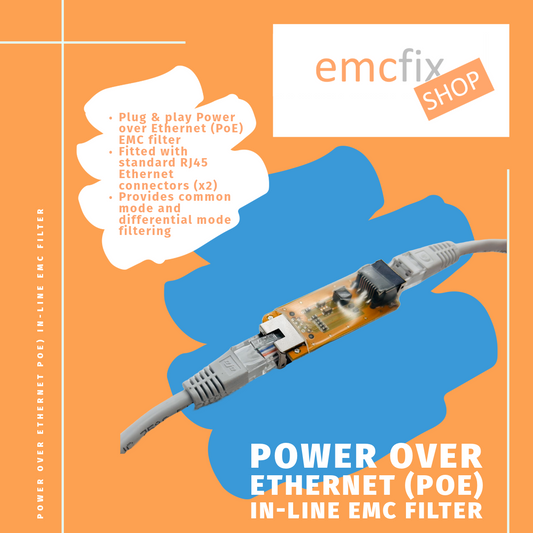
Our Ethernet filters use standard RJ45 connections, making them straightforward to evaluate in an existing system. Check the product details before ordering and verify the result on your complete equipment.
Match the filter to your connection
| Filter | Data rate | Power over Ethernet | Choose it for |
|---|---|---|---|
| Standard Ethernet filter | 10 / 100 Mb/s | PoE power pass-through is not specified | Compact in-line filtering for 10/100 Ethernet data connections. |
| Cased Ethernet filter | 10 / 100 Mb/s | PoE power pass-through is not specified | The 10/100 filter in an enclosure for easier handling and integration. |
| KEN-137 — application review | 10 / 100 Mb/s | This revision is not suitable for standard powered PoE links | Discuss a 10/100 Mbps development application with our engineers before ordering. |
| Gigabit Ethernet filter | 10 / 100 / 1000 Mb/s | PoE power pass-through is not specified | The dedicated filter for Ethernet data links operating up to 1 Gb/s. |
Match the data rate and the power requirement separately. Choose the dedicated Gigabit model for 1000 Mbps data. The reviewed KEN-137 revision is not suitable for standard powered PoE links. A higher cable category does not change a filter’s data rate or power rating.
Explore the Ethernet range
-
Ethernet EMC Filter – 10/100 Mbps
Regular price £40.00 GBPRegular price -
Cased Ethernet EMC Filter – 10/100 Mbps
Regular price £50.00 GBPRegular price -
KEN-137 Ethernet Filter – Engineering Evaluation
Application review required -
Gigabit Ethernet EMC Filter – Up to 1 Gbps
Regular price £45.00 GBPRegular price

Get the most from your filter
Start close to the equipment. Filter position and cable routing affect the result. Fit the filter near the device under investigation, keep unfiltered cable runs short where practical, and check the connection is reliable.
Check the complete link. Confirm the host and device speeds, PoE requirements and operating environment. Recheck normal operation as well as the EMC result after fitting a filter.
Need help selecting? Send us the equipment details, cable arrangement and relevant test plot. We can help narrow down a sensible option to evaluate.